Employee onboarding automation: Slack
Learn how to streamline your employee onboarding process using Slack automation. Discover how Slack integrations can make your onboarding workflow even better.

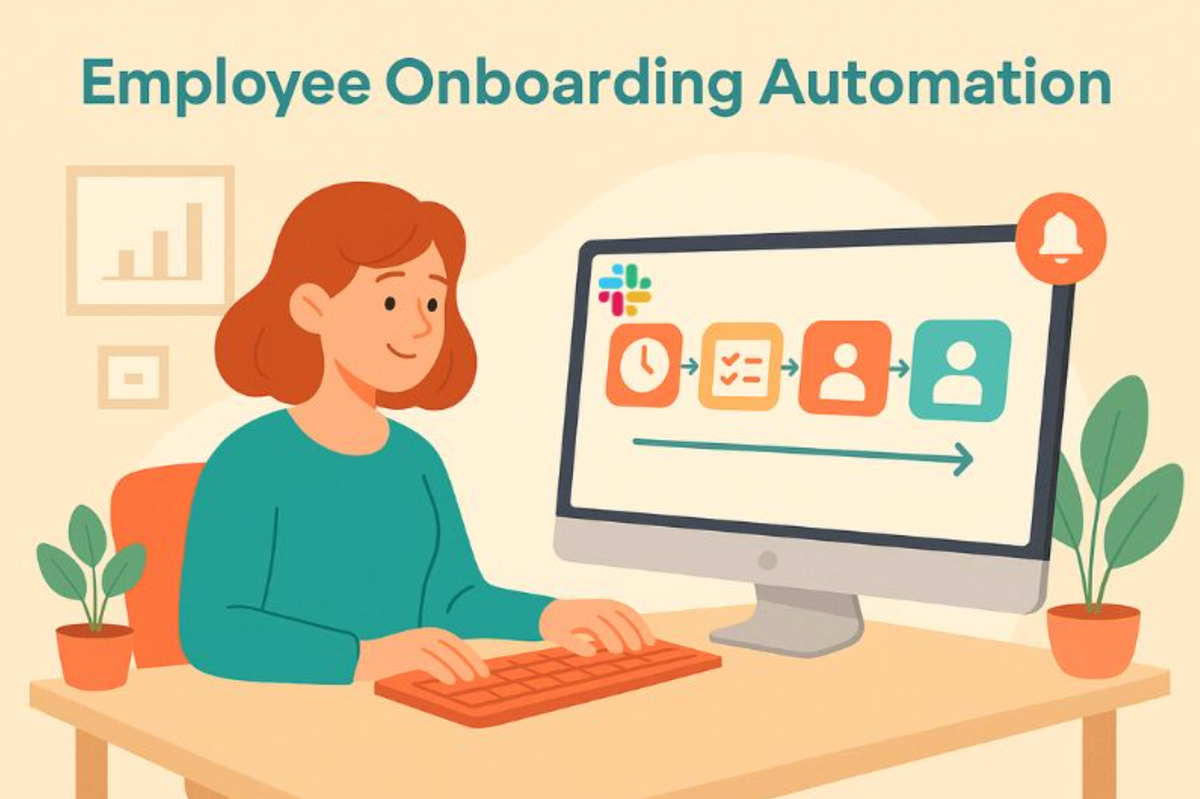
For many remote workers, Slack is the first ‘office’ they step into. They spend their days reading messages, asking questions, and getting familiar with the culture inside Slack. By automating the important process of new hire onboarding directly in Slack, you capitalize on its features - creating a repeatable, scalable, and yet highly personal onboarding experience.
For People Ops teams, automating onboarding is a genuine time-saver, but also gives peace of mind, knowing that new employees are being properly and efficiently integrated into the company culture. Join us as we cover the A-Z of onboarding automation in Slack.
Quick Overview
Employee onboarding automation in Slack is accomplished by setting up workflows that send welcome messages, schedule meetings, and assign tasks for new hires. The workflow is triggered when new employees are added to the platform, directing them to relevant Slack channels and managing the onboarding experience.
Table of Contents
- Why Slack is perfect for employee onboarding
- What does automated onboarding look like?
- Building blocks for a Slack onboarding template
- Conclusion
- FAQs: Employee onboarding automation Slack
Why Slack is perfect for employee onboarding
With users on Slack for more than 9 hours a day, there’s no better way to catch people’s attention. You’re not asking them to join another platform to complete their onboarding; you’re simply making it part of their workday. No interruption of productivity, just quick prompts to complete onboarding activities - it feels natural, and it makes for a positive employee experience.
What does automated onboarding look like?
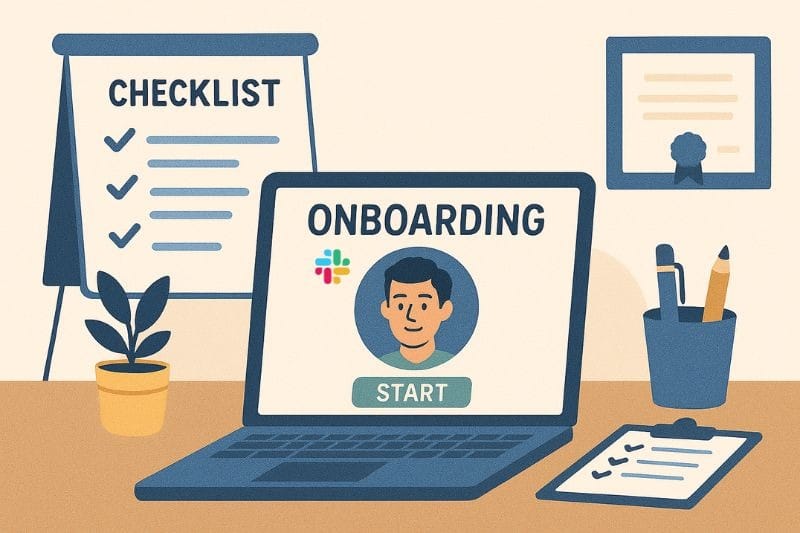
Automated onboarding is the process by which tools and workflows are used to complete the repetitive tasks associated with bringing a new hire into your company. It provides the infrastructure for a consistent first-week experience, which makes a huge difference in how the new hire views their future with you.
It eliminates the ‘noise’ associated with onboarding administration, such as sending reminder emails, gathering documents, and providing next steps. Automation can include:
- Scheduled Slack messages from the moment a new employee joins
- Automated employee onboarding checklists.
- Self-service resource libraries and file sharing.
- Manager-triggered workflows for role-specific tasks.
- Company values or culture presentations.
- Automatic intros and virtual coffee chats with teammates
Building blocks for a Slack onboarding template
1. Create a space for new hires
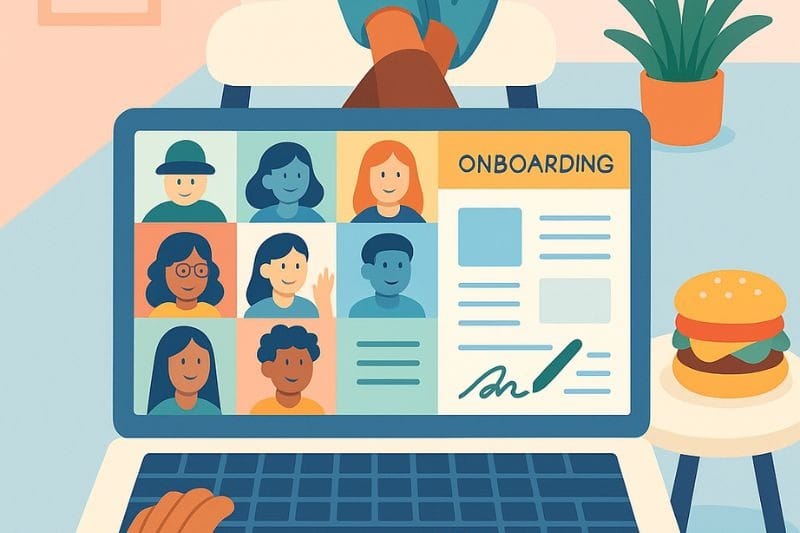
About two weeks before their start date, give new hires access to a workspace created before onboarding. Here, they can receive welcome messages, complete paperwork, and learn about your company's vision, mission, and values. They can also go through FAQs about the company and their new role.
One week before their start date, send reminders to complete and sign documentation. The employee engagement app, Linky Directory, comes in handy here. After building your company's organizational structure, you can prompt new employees to provide their personal details and update their profile photo, ready for integration into their team.
If you value connection with onboarding buddies even before the first day, integrate a virtual coffee chat app, Alfy Matching - it's a low-pressure way for hires to feel they already have someone to guide them through the process.
This works because, right away, they’re in a space where they’re guided step by step through the pre-boarding checklist. They can find answers and ask questions without day 1 overwhelm. They experience a stress-free introduction to your culture.
2. Create welcome messages and training videos
Visual aids are a must for remote teams. Don’t wait until the first meeting for hires to get to know new teammates. Use a private channel (#week 1 -onboarding) for the first week's onboarding activities, and drip-feed short, friendly content throughout the week. Before scheduling messages, it’s helpful to run announcements and instructions through a grammar checker to keep communication clear, consistent, and professional for new hires.
Begin by scheduling welcome videos from different departments or teams. They can now begin putting names (from the org structure) and faces together, and also understand how different teams are structured.
Next, schedule short training videos that cover essentials: how to use core tools, internal processes, IT setups, and an introduction to core products. You can create a dedicated #learning-hub channel so they can access training anytime they’re ready.
3. Create a dedicated survey channel for new hires
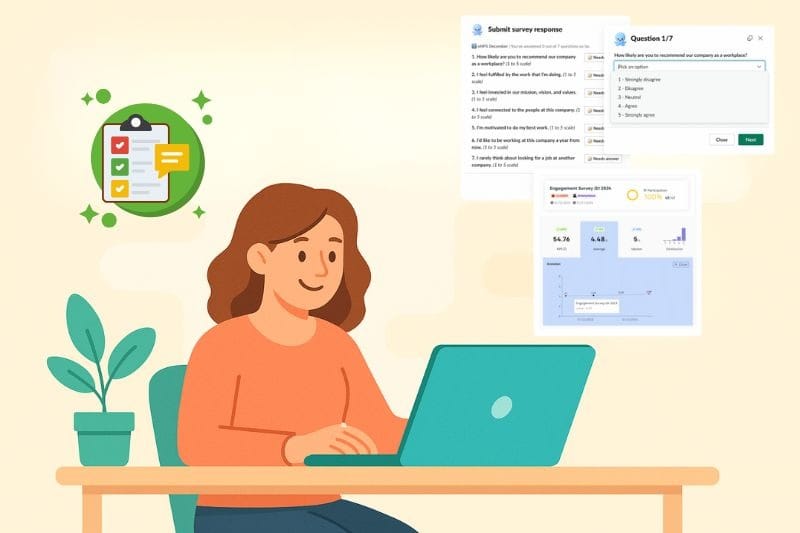
Create plenty of opportunities to check in with your new hires, and ask them what works for them, and what doesn’t work. New employees are probably most honest about their expectations.
An app like Pulsy Survey makes it easy to conduct snap surveys in Slack. This way, you’ll track eNPS and employee engagement from day one. New hires feel heard, and you don’t have to be a mind reader to know whether you’ve hit the mark with your onboarding process.
4. Automate tasks and onboarding checklists
Once the welcome messages, training content, and surveys are in place, you should also have a place for automating practical steps. Use Slack Workflow Builder to schedule reminders, assign tasks, and deliver instructions without manual intervention. You can automate the following prompts:
- Customize reminders to complete IT setups.
- Acknowledge that the company handbook has been read.
- Submission of banking details and other payroll documents.
- Send Paid Time Off policies and instructions on how to access vacation balances.
Insight for HR Teams: By integrating the vacation tracking app, Palmy Vacation, into Slack, you give employees access to their PTO balances, and you can automate vacation requests. Once approved, Slack status syncs automatically.
5. Schedule ongoing check-ins for the 30-60-90-day onboarding plan
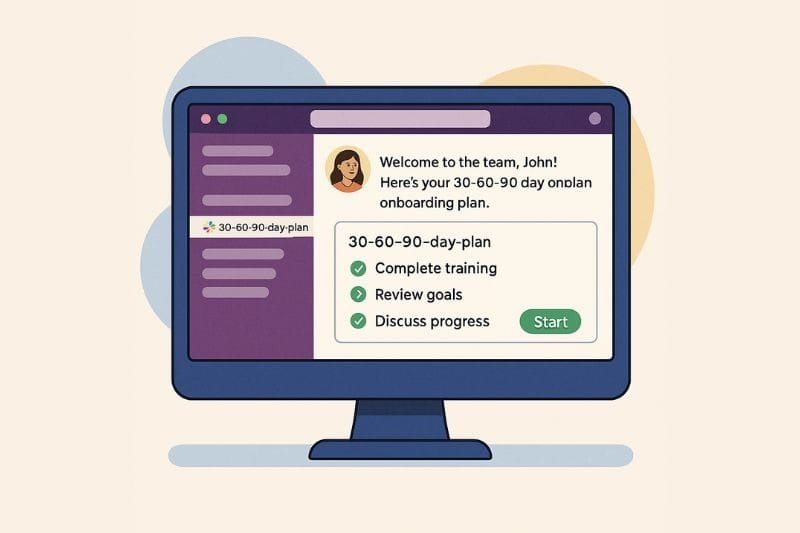
Successful onboarding doesn’t last only 7 days. If you want deeper integration into company culture and to ensure retention, a 30-60-90 day onboarding plan is the complete package. In Slack, you can automate the following touchpoints:
- Day 30/60/90 - ‘How’s it going’ pulse survey.
- “Month 1 Highlight Reels’, including photos of team meetings, and ‘firsts’ for the new employee.
- Reminders to schedule one-on-one meetings with the manager or onboarding buddy.
- 360-degree performance review at the 90 mark.
Performance review software like Simpleperf is a quick and efficient way to schedule the first review. Simpleperf will collect feedback from peers, collaborating teams, and managers to ensure well-rounded feedback. With AI-driven insights, you’ll bring the 90-day onboarding plan to a strong finish, with a meaningful career growth and development conversation.
Conclusion
There’s a lot you can tell about how a company welcomes its new employees. By automating onboarding in Slack, you can keep new hires engaged in the right activities at the right time. When onboarding is a finely tuned, structured process that builds a great experience for new team members, you’ll reap the rewards, namely:
- New starts feel connected and part of your company right away.
- Satisfied employees get on board faster and begin producing results in days, not weeks.
- An avenue for continued development and open communication.
To help you automate onboarding in Slack much more quickly, we’ve put together an employee onboarding checklist. By using this template, you won’t have to design an onboarding plan from scratch, and you’ll learn how to speed up onboarding workflows in Slack, using BuddiesHR.
🚀 Slack and BuddiesHR - Automate your entire onboarding program in a few easy steps.
FAQs: Employee onboarding automation Slack
1. Can Slack handle full employee onboarding tasks?
Yes. Slack can automate welcome sequences, checklists, scheduled messages, IT requests, and training activities. Combined with employee engagement tools that can automate virtual coffee chats, performance reviews, and PTO guidelines, you have a complete onboarding system.
2. Is Slack onboarding automation suitable for small teams?
Absolutely. Smaller teams benefit most from automation because it reduces repetitive work and scales easily during peak hiring periods. This helps People Ops teams to save time and ensure effective integration into company culture - without missing a beat.
3. Do I need coding skills to automate onboarding in Slack?
The Slack Workflow Builder lets you create automated messages, forms, reminders, welcome sequences, and approvals using a simple drag-and-drop interface, no scripting at all. On top of that, Slack’s ecosystem includes dozens of plug-and-play apps (such as BuddiesHR, Donut, Polly, Loom, Guru, and HRIS integrations like BambooHR or HiBob) that can run onboarding tasks with only minimal setup.
4. How do I keep onboarding personal if it’s automated?
To make onboarding more personal, it should be a combination of automated tasks and also contact with team members. This can be done through virtual coffee chats, team meetings, and personalized welcome messages from managers and coworkers. You can also pre-record welcome messages and host interactive check-ins.
References:
1. https://slack.com/intl/en-gb/blog/news/slack-has-10-million-daily-active-users