HR Automation for Small Business: What to Automate First
Most HR automation advice is about payroll and hiring. If you're a team of one, your time goes somewhere else: time off, org charts, status meetings and everything you have to remember.

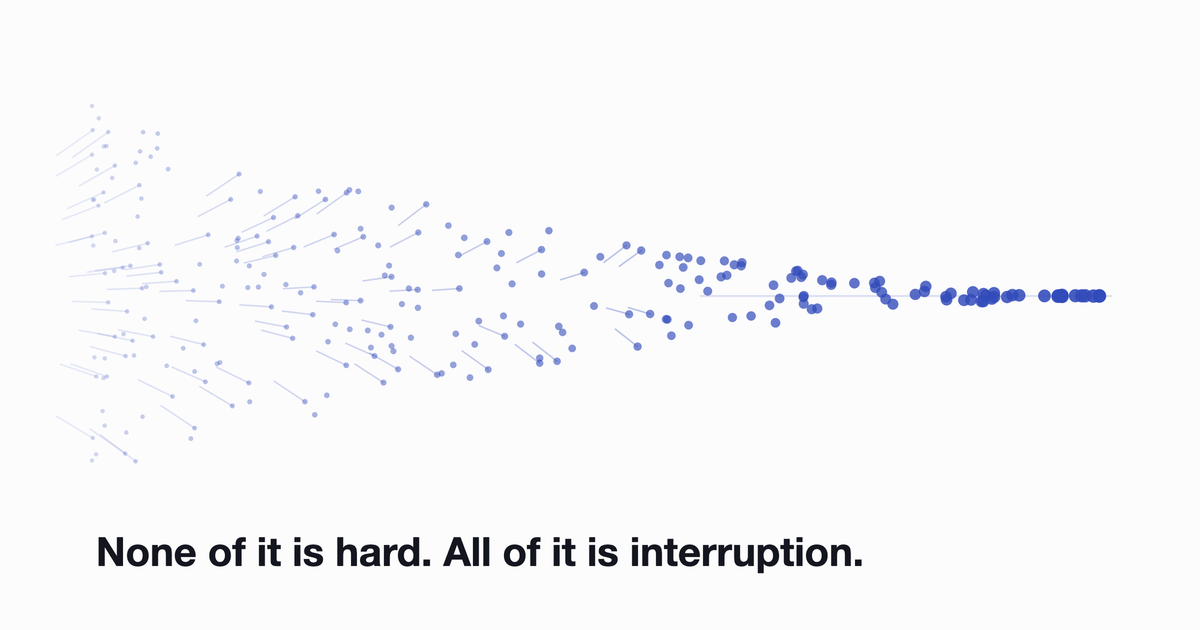
If you're the only HR person at your company, or the COO who picked up HR because nobody else would, the work probably isn't what's wearing you down. It's the arrival rate. A time-off request on Monday. Someone asking who owns the vendor relationship on Tuesday. A birthday you nearly missed on Wednesday. None of it is hard. All of it is interruption.
Search for HR automation and you'll mostly get articles about payroll runs, applicant tracking and benefits administration. Those matter, but they're not where your week goes. This is about the other pile: the recurring people-ops admin that quietly eats an afternoon and never feels big enough to justify buying software.
What HR automation means when you don't have an HR department
It helps to split the work in two.
The first half is system-of-record work: payroll, contracts, benefits enrollment, hiring pipelines. High stakes, heavily regulated, and it belongs in a payroll provider or an HRIS. Most companies already have something here, even if that something is a bookkeeper and a folder.
The second half is recurring people-ops admin: approving leave, keeping track of who reports to whom, chasing status updates, remembering anniversaries, working out whether anyone is quietly unhappy. Each piece is small. Together they're enormous. And nobody automates them, because no single task feels worth a project.
That's the gap. The first half has had expensive software thrown at it for twenty years. The second half still runs on spreadsheets, calendar reminders and your memory.
Start with an admin audit, not a shopping list
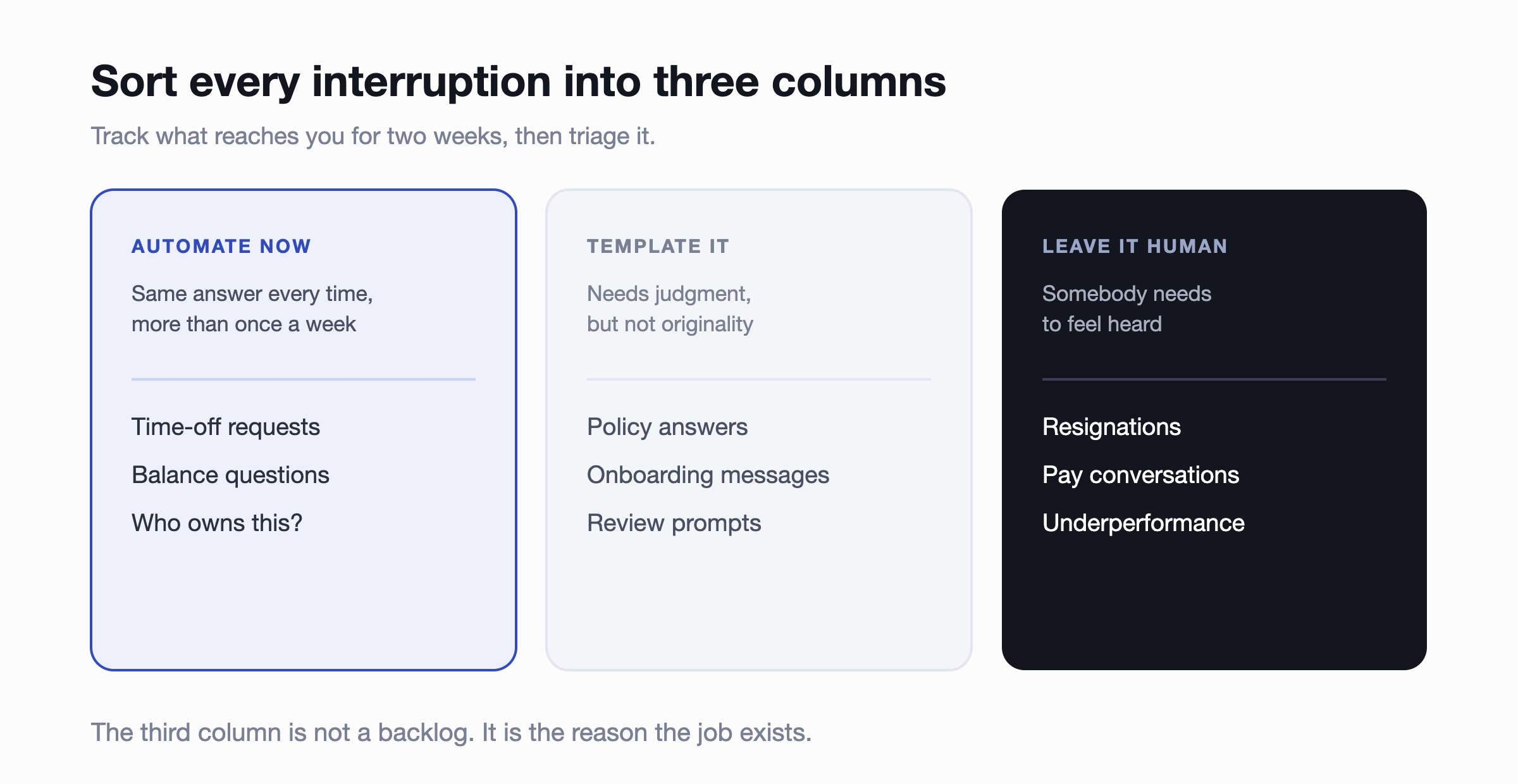
Before you look at a single tool, spend two weeks writing down every request that reaches you. Not the projects, the interruptions. Then sort the list into three columns.
- Automate now. Anything that shows up more than once a week with the same answer every time. Time-off requests. Balance questions. "Who do I ask about X?"
- Template it. Things that need judgment but not originality. Policy answers, onboarding messages, review prompts.
- Leave it human. Resignations, pay conversations, underperformance, anything where somebody needs to feel heard. Automating these is how a small company throws away the one advantage it has over a big one.
Two signals are worth watching for. Anything living in a spreadsheet that two or more people edit is a scheduling incident waiting to happen. And anything that only works because you remember it isn't a process. It's a single point of failure with a job title.
The four jobs worth automating first
1. Time off
PTO usually breaks first, because the spreadsheet fails quietly. Nobody notices anything is wrong until two people from the same three-person team are away in the same week, or someone's balance turns out to have been wrong for a quarter.
Automating it means requests, approvals and balances that people handle themselves. Approvals happen in a thread instead of your inbox. Balances are self-serve, so "how many days do I have left?" stops being a question you answer. If you operate across countries, policies and public holidays get set per location instead of tracked by hand.
Worth reading next: how PTO tracking software compares for small and remote teams, and how accruals actually work if you're moving off a spreadsheet.
2. Knowing who does what
Org charts rot. Someone changes team, someone joins, someone quietly picks up a new responsibility, and the chart in the shared drive is wrong within a month. New hires then spend their first fortnight asking colleagues who to talk to, which is a slow, invisible tax on everyone.
The fix is a directory that builds itself from data you already keep, ideally syncing from your HRIS so the source of truth stays where it belongs. The chart stops being a document somebody has to update and becomes something people search when they need it. More on choosing an org chart tool, and on building one without spending hours on it.
3. The recurring status meeting
The daily or weekly sync exists to answer three questions: what happened, what's next, what's blocked. Those answers don't need everyone's calendar. Written asynchronously, they arrive as one summary instead of thirty minutes of turn-taking, and blockers show up early enough to do something about.
Ideals kept the standup habit and got the meeting slot back. The summary format turned out to be more useful than the meeting it replaced, mostly because you can search it afterwards. If you're weighing options, we compared the main async standup tools.
4. The things you'd rather not be responsible for remembering
Birthdays, work anniversaries, new-joiner introductions, the occasional pulse check on how people are feeling. Individually trivial. Collectively, they're the difference between a company that notices people and one that doesn't. They also fail exactly when you're busiest, which is precisely when noticing matters.
Adoption decides everything, so put it where people already are
This is where buying decisions go wrong. A tool that's technically excellent and sits behind its own login gets used for three weeks and then quietly abandoned. Not because anyone dislikes it, but because opening another tab is a price nobody will pay for an eight-second task.
You see the consequence in your data. Engagement surveys sent through a standalone portal tend to come back with response rates in the twenty to thirty percent range, which isn't a sample you can act on. It's the opinion of whoever was already engaged enough to log in. Delivered inside the chat tool people have open anyway, our own numbers run above eighty percent. Same questions, different architecture, completely different quality of answer.
The same logic runs through every job above. Leave approvals move faster in a thread than in an inbox. An org chart gets searched when it's one command away. Recognition happens in public when the channel is already open.
What you should not automate yet
Be honest about the boundary. Payroll, benefits administration and applicant tracking aren't on this list, and they shouldn't be. They need a system of record, they carry compliance exposure, and the right answer is a proper payroll provider or HRIS rather than a lightweight tool.
That isn't a limitation to work around. It's how the stack should be built. Keep the system of record where it is and let it feed the layer employees actually touch. Syncing an org chart from BambooHR, HiBob, Workday or Personio beats replacing any of them.
Rolling it out without a project plan
The instinct is to plan a proper implementation. Resist it. The advantage a small team has is that it can change something on a Tuesday afternoon.
Pick the process from your audit that interrupts you most. Set it up for one team, not the whole company. Give it two weeks. If people use it without being reminded, roll it further; if they don't, you've lost an afternoon rather than a quarter. Then take the next thing on the list.
This is also the case for modular tools over suites. Buying one capability at a time keeps every decision small enough to reverse, and you never pay for the eighty percent of a platform you don't use. Sched runs people ops this way without a full-time HR hire, not by finding one system that does everything, but by removing one recurring task at a time until what was left actually needed a person.
Common questions
How small is too small to automate HR admin?
Under about ten people, this genuinely does fit in your head and a shared calendar. The point where informal stops scaling usually lands somewhere between twenty and fifty employees, and it tends to announce itself as a mistake rather than a feeling. A double-booked week. A missed anniversary. A survey nobody answered.
Do we need an HRIS first?
No. They solve different problems, and for a team under a hundred people the admin above is usually the more urgent one. If you already have an HRIS, keep it and sync from it.
How long does this take to set up?
A single process should be running the same day you decide to try it. If a tool needs a scoping call and a six-week implementation to handle time-off requests, it's built for a different company than yours.
Where to start
Take the one task that interrupted you most this week and get rid of it. More than a thousand HR teams work this way, on tools that install in about a minute and are free under ten people, so testing the idea costs you an afternoon.
Start with the app that matches your loudest problem: time off, org chart, standups or celebrations. Add the rest only if the first one sticks.
If you're running people ops for more than about three hundred people, the questions change: admin permissions, HRIS sync across entities, reporting that survives forty teams. That's a better conversation to have live, and a fifteen-minute demo will get you further than a trial.